How to Create a Business Emergency Plan for Unexpected Challenges

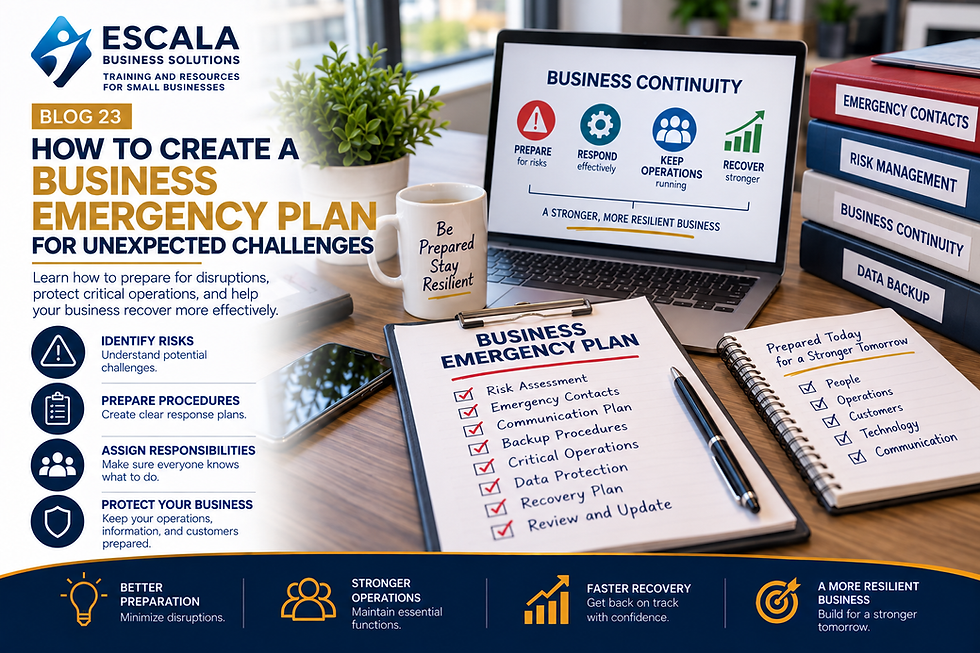
Unexpected events can affect any business.
Technology failures, severe weather, supply disruptions, staffing problems, unexpected expenses, or other emergencies can interrupt normal operations and affect customers.
A business emergency plan gives your organization a structured approach for preparing for disruptions and responding when they occur.
The goal isn't to predict every possible problem. It's to identify the risks that could significantly affect your organization and establish practical steps for responding to them.
What Is a Business Emergency Plan?
A business emergency plan is a documented strategy that explains how an organization will respond to unexpected events that could disrupt operations.
Depending on the business, an emergency plan may address:
Technology outages
Data loss
Severe weather
Supply chain disruptions
Facility problems
Staffing shortages
Financial emergencies
Communication failures
Other operational disruptions
A good plan should be practical, accessible, and easy for employees to understand.
1. Identify Potential Risks
Start by identifying the events that could have the greatest impact on your business.
Consider questions such as:
What happens if your primary technology system stops working?
What happens if your facility becomes unavailable?
What happens if a key employee is suddenly unavailable?
What happens if a major supplier cannot deliver?
What happens if revenue temporarily decreases?
What information would your team need during an emergency?
Understanding potential risks allows you to prioritize your preparation.
2. Identify Critical Business Functions
Not every business activity has the same level of importance.
Identify the functions that need to continue during or shortly after a disruption.
These may include:
Customer communication
Order processing
Payroll
Financial management
IT systems
Customer support
Inventory management
Essential operations
Knowing your critical functions helps you determine where your resources should be focused.
3. Create an Emergency Contact List
Your team should know who to contact when an unexpected situation occurs.
Your emergency contact list may include:
Business owners
Managers
Employees
Technology providers
Insurance providers
Key suppliers
Building management
Professional service providers
Keep the list updated and make sure authorized employees can access it.
4. Establish Communication Procedures
Communication becomes especially important during a disruption.
Determine how your organization will communicate with:
Employees
Customers
Suppliers
Partners
Other stakeholders
Establish backup communication methods in case your primary communication system is unavailable.
5. Protect Important Information
Important business information should be protected and backed up.
Consider how your organization manages:
Customer information
Financial records
Employee information
Contracts
Operational documents
Business plans
Regular backups and appropriate access controls can reduce the impact of data loss.
6. Develop Backup Procedures
Identify alternatives for critical business functions.
For example:
Backup technology systems
Alternative suppliers
Remote work procedures
Secondary communication methods
Backup locations
Alternative payment methods
Having alternatives can help your organization continue operating when the normal process isn't available.
7. Assign Responsibilities
Employees should know what they are expected to do during an emergency.
Define responsibilities in advance.
For each critical function, identify:
Who is responsible?
What needs to happen?
When should it happen?
Who should be notified?
Clear responsibilities reduce confusion during stressful situations.
8. Test and Update Your Plan
Creating an emergency plan isn't enough.
Review it periodically and update it when your business changes.
Test important procedures and identify areas that may need improvement.
Your business emergency plan should evolve as your organization, technology, employees, and operations change.
Why Business Emergency Planning Matters
A well-developed emergency plan can help organizations:
Reduce confusion
Protect critical operations
Improve communication
Prepare employees
Reduce downtime
Protect important information
Recover more efficiently
Preparation doesn't eliminate every risk, but it can help your organization respond more systematically when unexpected challenges occur.
How ESCALA Business Solutions Can Help
At ESCALA Business Solutions, we help businesses and organizations evaluate their operations, identify potential challenges, and develop practical strategies for greater organizational resilience.
Emergency planning can be incorporated into broader business planning, process improvement, and operational strategy. Our goal is to help organizations build systems that are prepared not only for everyday operations but also for unexpected challenges.
Final Thoughts
Every business faces uncertainty.
A business emergency plan gives your organization a framework for responding when normal operations are disrupted.
By identifying risks, protecting critical information, establishing communication procedures, assigning responsibilities, and regularly reviewing your plan, you can create a stronger foundation for business continuity.
Ready to strengthen your business planning and prepare for unexpected challenges?
Contact ESCALA Business Solutions to explore practical strategies for your organization.


Comments